Interface
Built for real teams
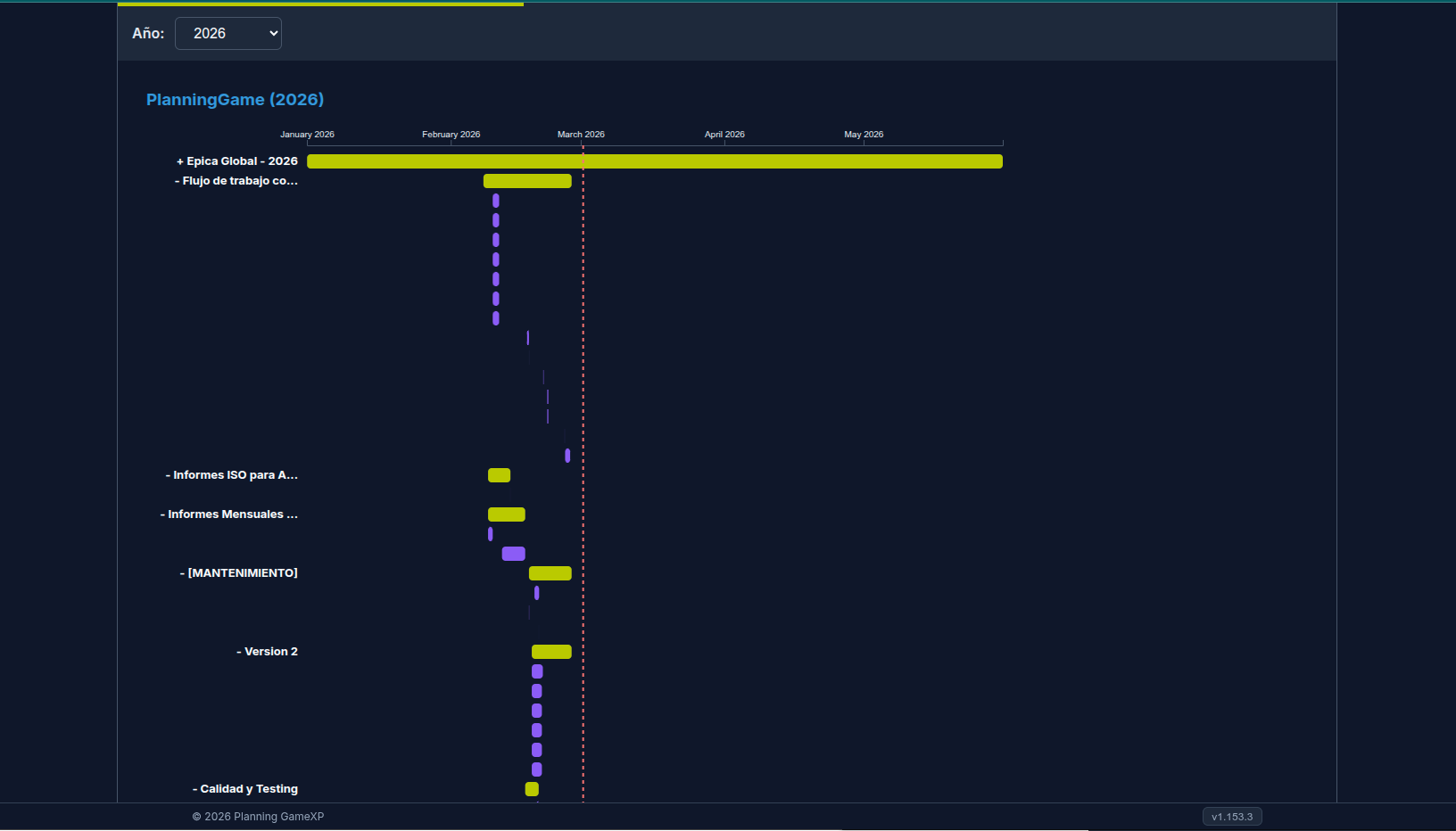
Multiple views to manage your project the way you need it.
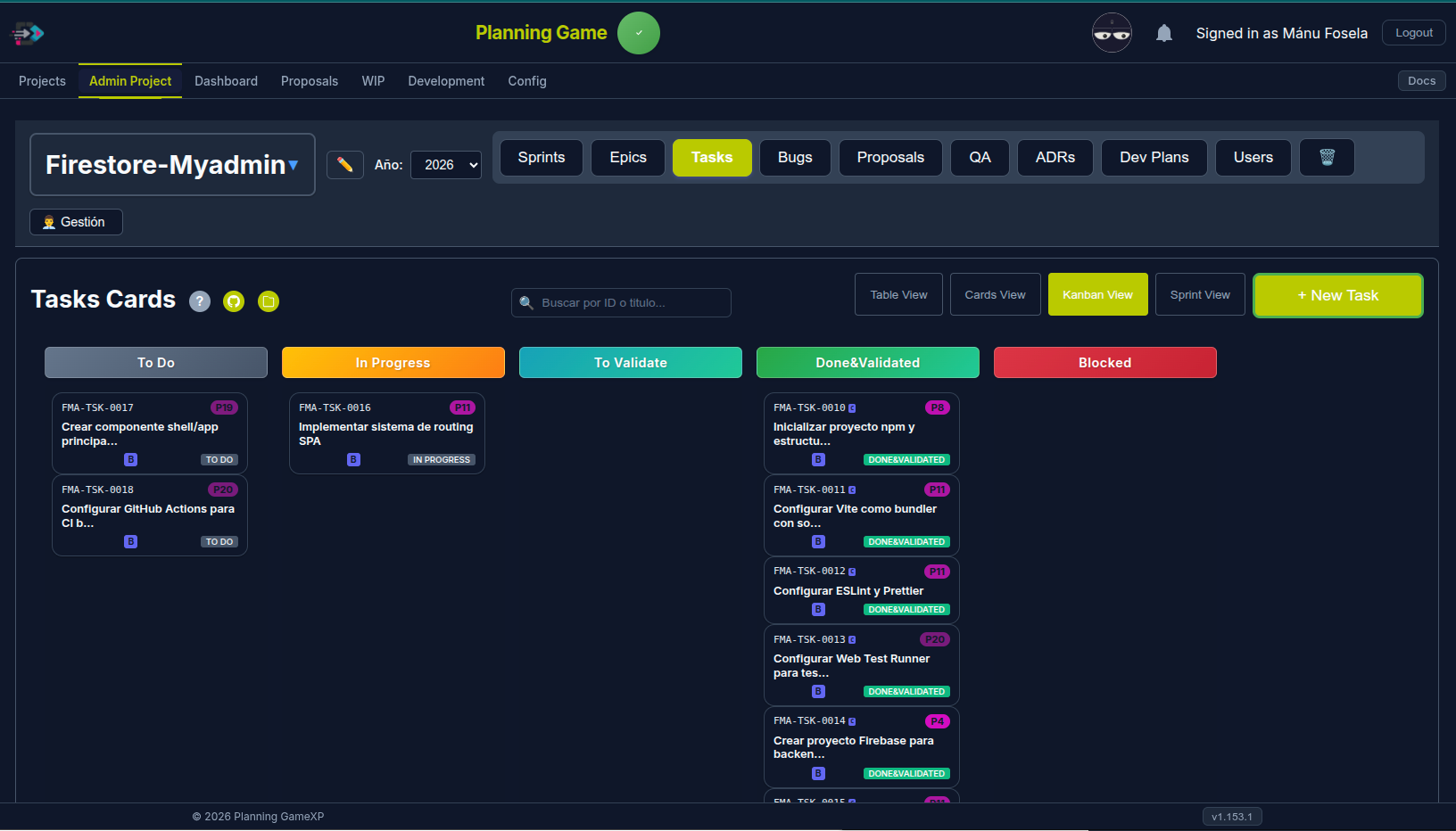
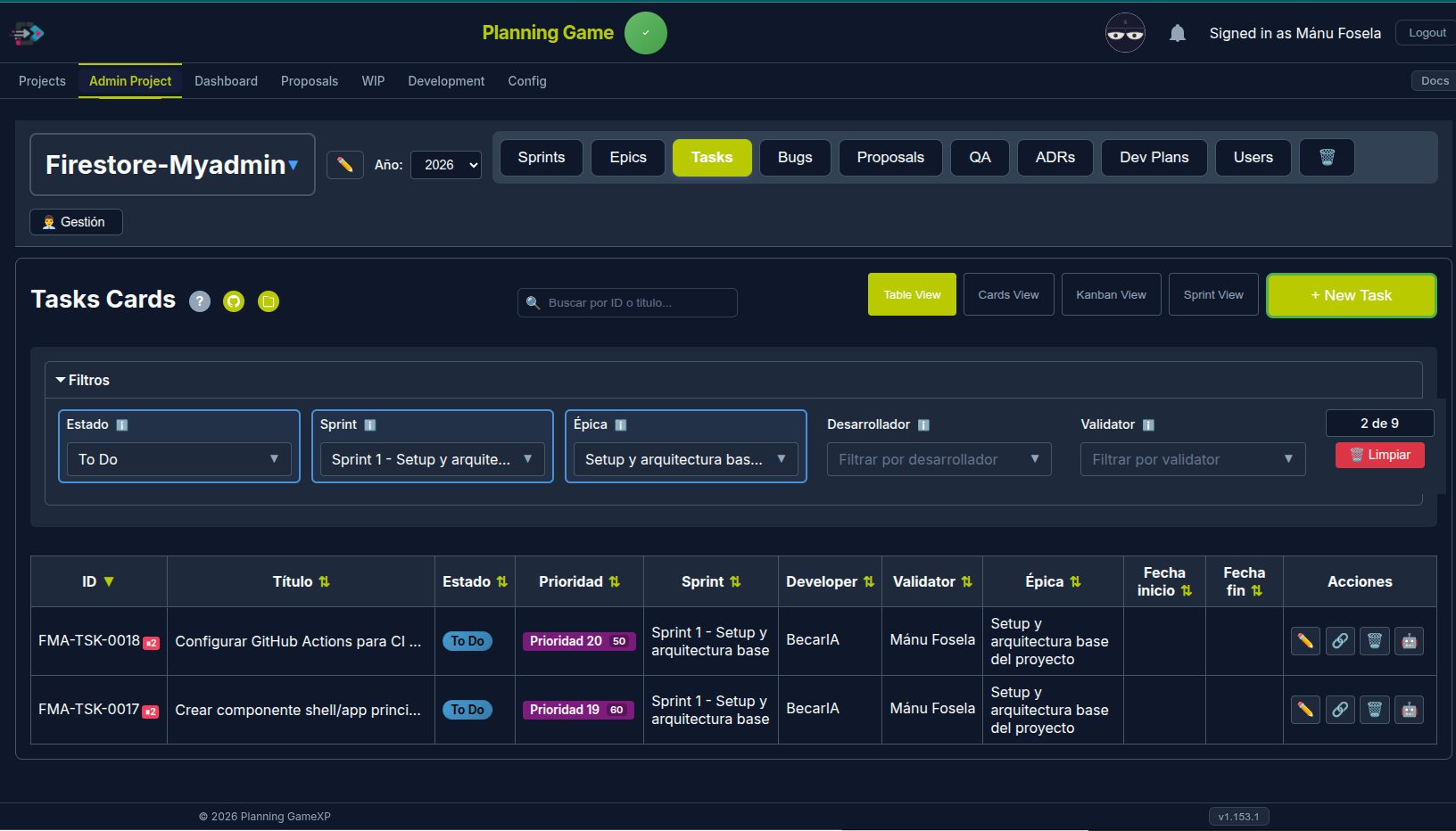
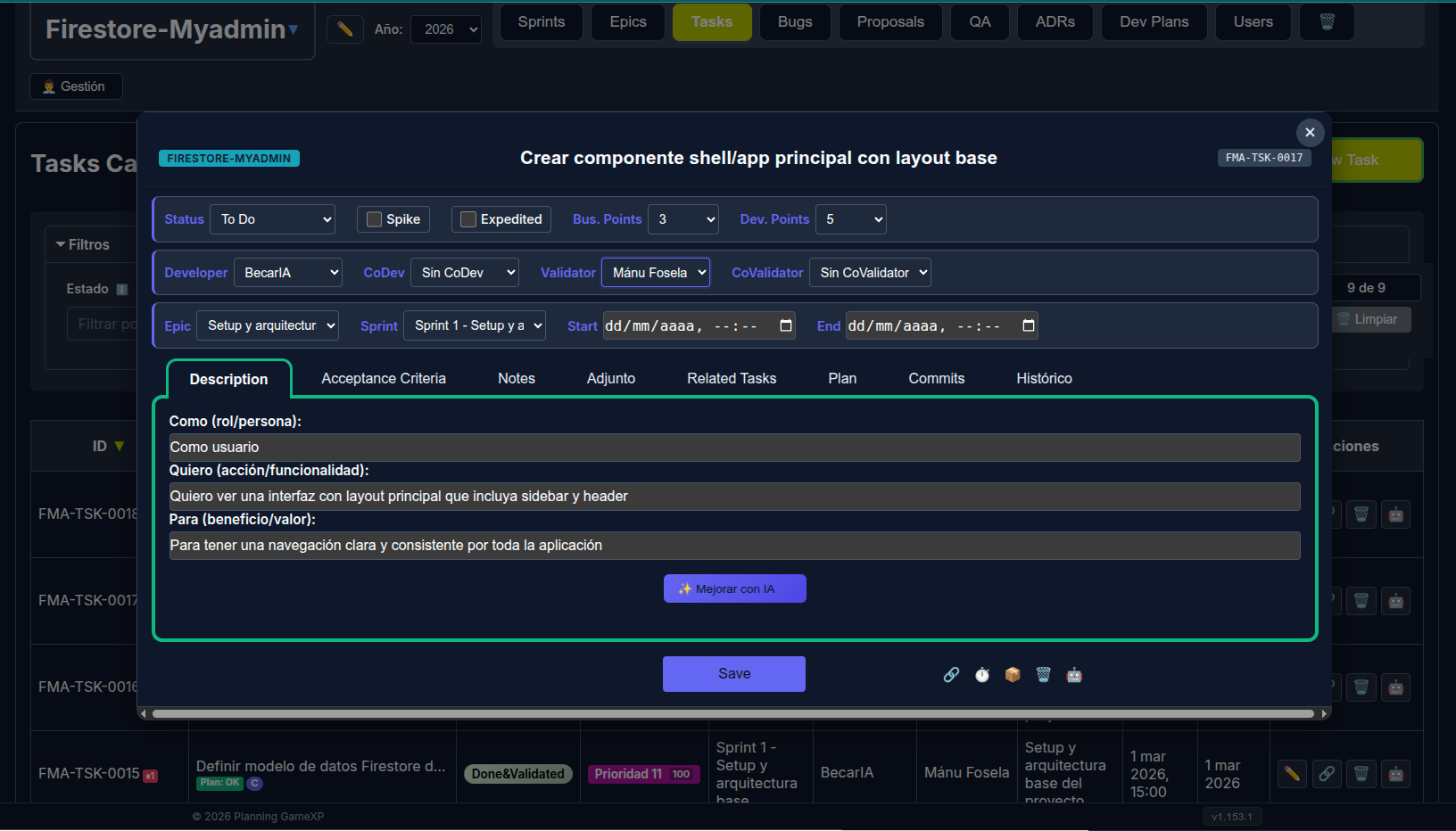
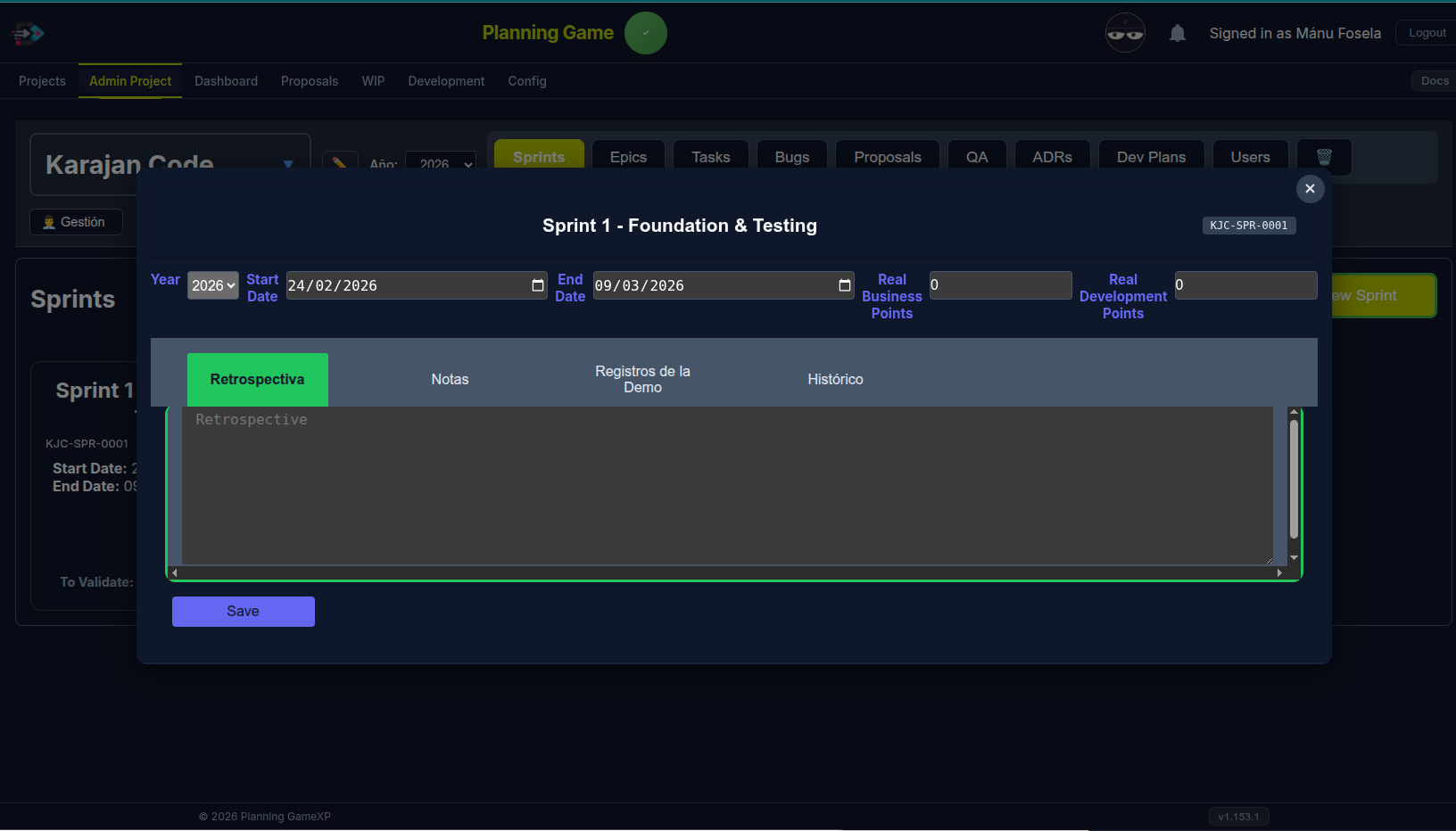
Kanban board with drag-and-drop and status columns.
eXtreme Programming practices with 48+ MCP tools. Your AI agents manage sprints, tasks, and ADRs alongside your team. Install the MCP in 60 seconds or deploy your own instance.
Connect your AI agent to an existing Planning Game instance. No repo clone needed — just npm install and go.
Get started →Run your own Planning Game instance on Firebase. Full control over your data, projects, and team.
Set up now →No repo clone needed. You only need a serviceAccountKey.json from the Firebase project you want to connect to.
The wizard needs it to connect to Firebase. Get it from Firebase Console → Project Settings → Service Accounts → Generate new private key.
The wizard validates your credentials, tests connectivity, auto-detects your user, and registers the MCP in Claude Code.
Open Claude Code. The MCP is ready. Ask your AI to list projects, create tasks, or manage sprints.
Already have one instance? Just run the wizard again with a different name. It detects your existing instances automatically.
Have your second serviceAccountKey.json ready. The wizard will show your existing instances and create a new one alongside them.
Each instance appears as a separate MCP server in Claude Code. Use get_mcp_status to see which Firebase project each one connects to.
Full control. Your Firebase project, your data, your team. Takes about 15 minutes.
Creates your Firebase config, environment files, and instance directory.
Prerequisites: Node.js 20+, Firebase CLI, a Firebase project with Realtime Database enabled. Full guide →
Multiple views to manage your project the way you need it.
XP practices, real-time collaboration, AI-native workflow.
Cards, sprints, ADRs, plans, users, config. Any MCP-compatible AI agent can manage your project.
Priority auto-calculated from business value and dev effort. No manual priority setting.
Firebase-powered. Every change instantly visible. No refresh needed.
List, Kanban, Sprint, Gantt. Switch views without losing context.
Developers, Admins, SuperAdmins. Validators approve, devs self-assign.
One task per developer. Focus on finishing before starting.
From commit to deployment. PR badges, merge tracking, deploy status.
Track AI contributions per task. Same rules for humans and AI agents.
ADRs linked to tasks. Keep decisions visible, searchable, traceable.